
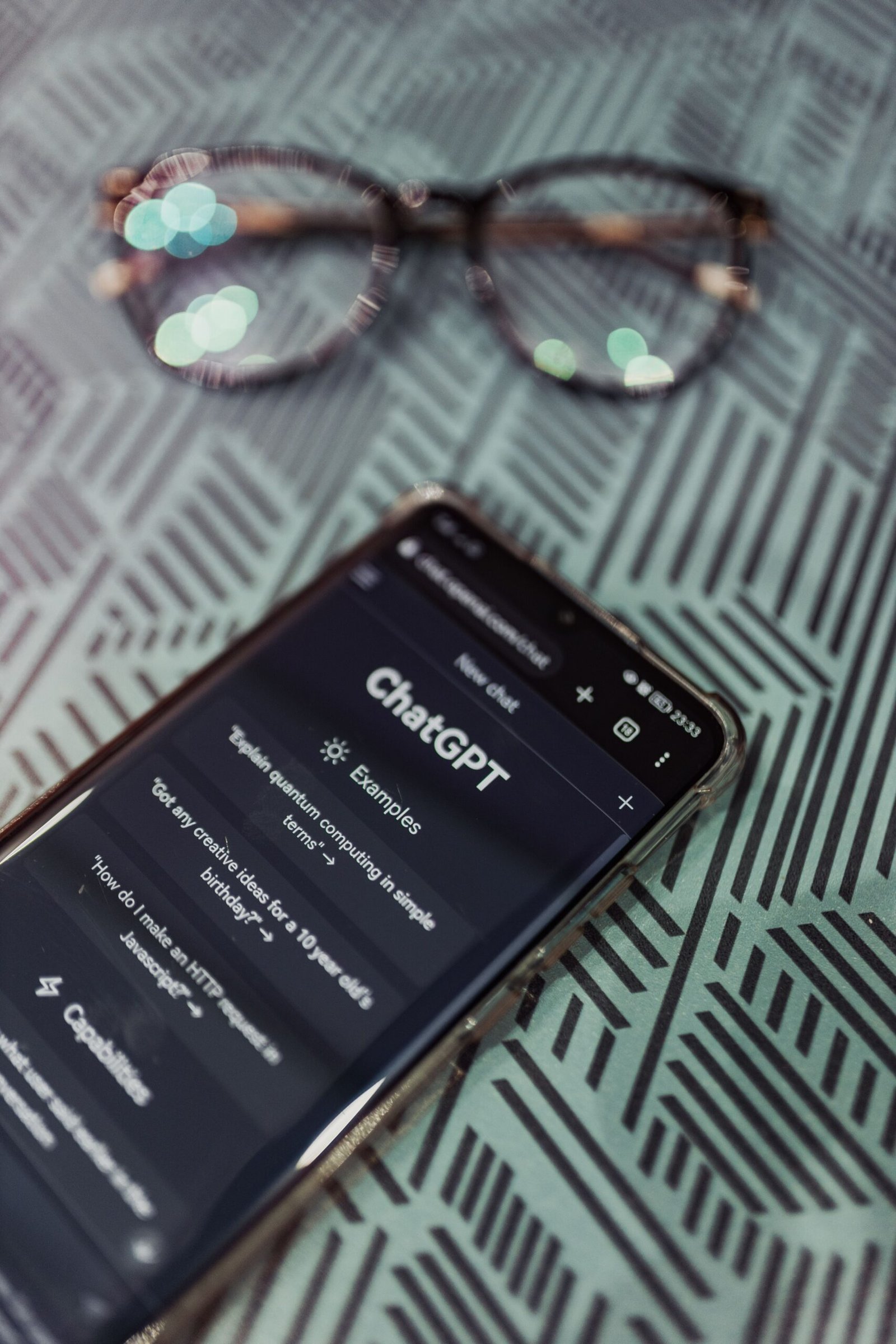
Artificial intelligence has become an essential part of modern work. From writing blog posts and researching topics to analyzing documents, creating business plans, and assisting with coding, AI assistants help people complete many tasks more efficiently.
Two popular options are ChatGPT, developed by OpenAI, and Claude, developed by Anthropic. Both can assist with writing, research, problem-solving, and everyday productivity, but they offer different features and user experiences.
So, ChatGPT vs Claude: which AI tool is better in 2026?
In this guide, we compare ChatGPT and Claude based on features, writing, research, coding, business use cases, pricing, advantages, and limitations. By the end, you will have a clearer idea of which AI assistant fits your needs.
Quick Comparison: ChatGPT vs Claude
If you want a quick answer, use this table to understand the main differences.
| Feature | ChatGPT | Claude |
|---|---|---|
| Developer | OpenAI | Anthropic |
| Best for | General-purpose AI assistance | Writing, analysis, and professional work |
| Writing | Articles, emails, ideas, and editing | Long-form writing, editing, and analysis |
| Research | Web search and research features, depending on plan | Web search and research features, depending on plan |
| Coding | Coding assistance and development tools | Coding assistance and Claude Code |
| File analysis | Available, with plan-dependent limits | Available, with plan-dependent limits |
| Image generation | Available through supported ChatGPT features | Not a direct equivalent to ChatGPT’s general image-generation experience |
| Productivity | Projects, custom GPTs, and other supported tools | Projects, Artifacts, and other supported tools |
| Free access | Yes, with usage limits | Yes, with usage limits |
| Paid individual plan | Plus: $20/month | Pro: $20/month or $200/year with annual billing |
| Best starting point | People who want a versatile AI assistant | People focused on writing, analysis, and coding workflows |
Features and availability vary by plan, location, and product updates. Pricing is based on the providers’ published pricing pages; verify the current details before subscribing.
What Is ChatGPT?
ChatGPT is an AI assistant developed by OpenAI. It helps users understand information, generate content, solve problems, analyze files, and work through a wide range of tasks.
It is designed for both personal and professional use. Beginners can use it to ask questions and brainstorm ideas, while professionals can use its more advanced features for research, coding, data analysis, and productivity.
Key Features of ChatGPT
1. Content creation
ChatGPT can help you develop article outlines, draft blog posts, write emails, generate social media captions, and improve existing content.
For bloggers and digital marketers, it can make the initial content-planning process more efficient.
2. Research assistance
ChatGPT can help explore topics, explain unfamiliar concepts, and summarize information. Its search and research capabilities depend on the available features and usage limits of your plan.
Important facts should still be checked against reliable sources.
3. Coding support
Developers can use ChatGPT to explain code, identify potential bugs, generate examples, and work through programming problems.
It can also help beginners understand programming concepts step by step.
4. File and data analysis
Depending on your plan and available features, ChatGPT can work with uploaded files and help analyze data, summarize documents, and interpret information.
5. Image creation
ChatGPT supports image generation through its available image tools. This can be useful for creating concepts, illustrations, and other visual content.
Generated images should be reviewed carefully, particularly when they include text, logos, or detailed visual instructions.
6. Productivity features
ChatGPT offers tools such as Projects and custom GPTs, along with other capabilities that vary by plan. These can help users organize work and tailor AI assistance to specific tasks.
Who Should Use ChatGPT?
ChatGPT is worth considering if you are:
- A blogger who regularly creates content.
- A freelancer working on multiple projects.
- A small business owner who needs general AI assistance.
- A student looking for explanations and study support.
- A marketer who creates campaigns and promotional content.
- A developer who needs coding assistance.
- A professional who wants one assistant for several types of work.
Official website: https://chatgpt.com/
Official pricing: https://openai.com/chatgpt/pricing
What Is Claude?
Claude is an AI assistant developed by Anthropic. It supports writing, analysis, coding, document work, and other professional tasks.
Claude is particularly worth exploring if you frequently work with lengthy documents, detailed instructions, structured writing, or complex projects.
Its available features include Projects, Artifacts, and coding tools, with access depending on your plan.
Key Features of Claude
1. Long-form writing
Claude can help develop article drafts, reports, proposals, explanations, and other detailed documents.
It can also revise text to improve organization, clarity, tone, and readability.
2. Document analysis
Claude can assist with reviewing supported documents, extracting relevant information, and summarizing lengthy material.
This may be useful for researchers, consultants, business owners, and professionals who work with large amounts of text.
3. Coding assistance
Claude can help developers write code, explain technical concepts, review implementations, and investigate potential errors.
Anthropic also offers Claude Code, a coding tool designed to help developers work with codebases and development tasks.
4. Projects and Artifacts
Projects can help organize work around particular topics or ongoing tasks. Artifacts provide a way to create and work with certain outputs, such as documents, code, and interactive content.
The exact capabilities available depend on the current product and subscription.
5. Research and information processing
Claude can help organize research, explain complex subjects, and synthesize information. Search and other connected capabilities depend on the available features.
As with any AI assistant, users should independently verify important claims and sources.
Who Should Use Claude?
Claude may be a good option if you are:
- A writer who produces long-form content.
- A researcher who works with detailed documents.
- A developer who needs coding assistance.
- A consultant who prepares reports and proposals.
- A business professional who analyzes information.
- A content team that needs help organizing and editing written material.
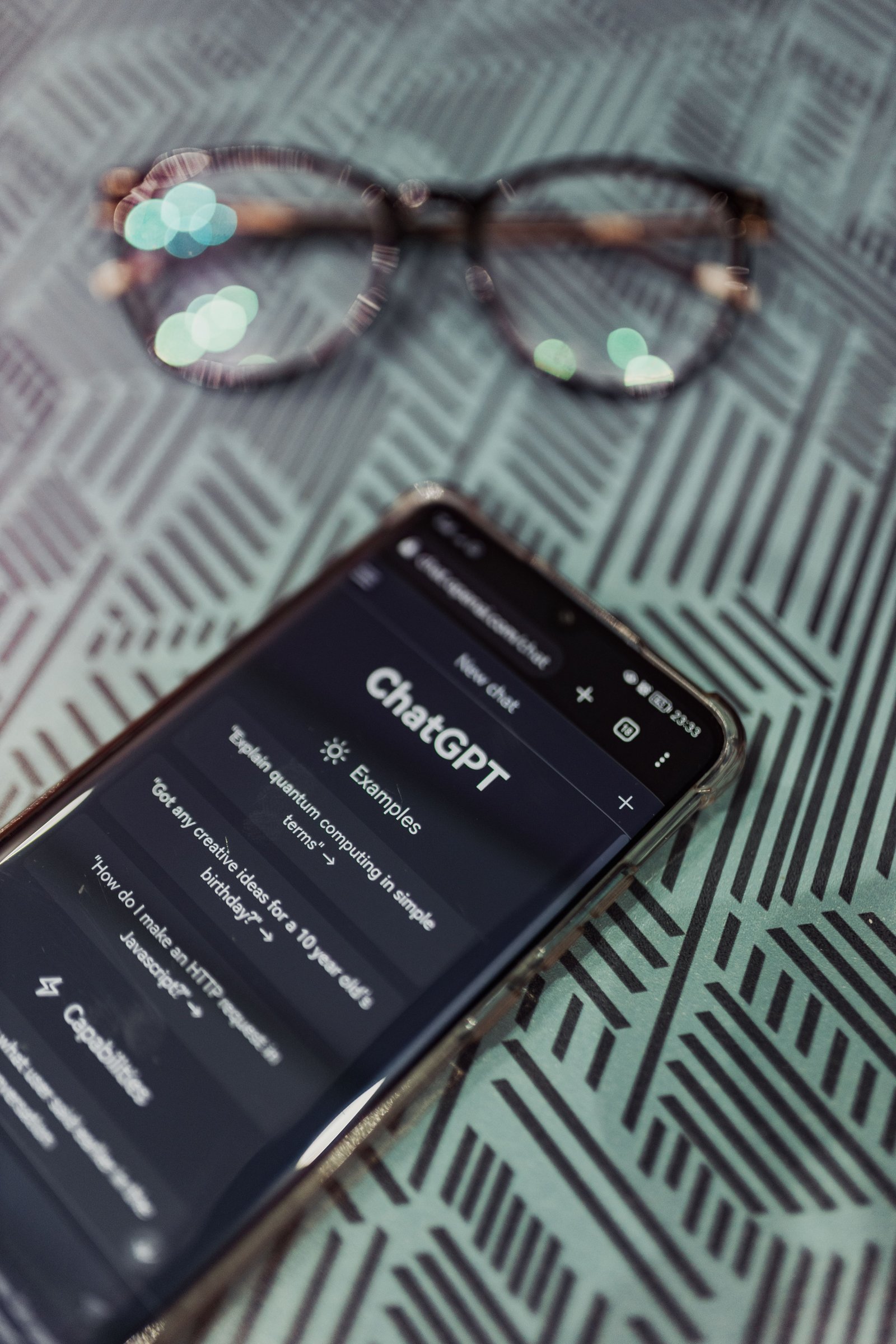
ChatGPT vs Claude: Which Is Better for Writing?
Writing is one of the most common reasons people use AI assistants.
Both ChatGPT and Claude can help with blog posts, product descriptions, marketing content, email drafts, and editing. The better choice depends on your preferred writing style and workflow.
ChatGPT for Writing
ChatGPT is useful for brainstorming multiple ideas, preparing structured outlines, rewriting paragraphs, developing headlines, and creating different versions of content.
For example, a blogger can ask ChatGPT to create ten SEO title ideas, build an article outline, and draft frequently asked questions for a blog post.
Its broader toolset can also help with related tasks such as image creation and data analysis.
Claude for Writing
Claude can help with detailed drafts, document revisions, explanations, and maintaining consistency across longer writing projects.
It is worth testing when your work involves extensive source material, complex instructions, or several rounds of editing.
Which Is Better for Bloggers?
For bloggers, there is no universal winner.
Choose ChatGPT if you want a versatile assistant that supports content planning and other tasks in one place. Try Claude if you prefer its writing style or find it more effective for your particular editing and document workflows.
For a website such as Barakaale.com, you can test both tools using the same article brief and compare the accuracy, originality, structure, and editing effort required.
Remember that neither tool automatically guarantees SEO rankings. Useful content still requires original insights, reliable research, good search intent alignment, and human review.
ChatGPT vs Claude for Coding
Both AI assistants can help with programming, but your preferred development workflow should guide your decision.
ChatGPT for Coding
ChatGPT can explain programming concepts, generate code examples, help debug errors, and assist with technical problem-solving. Its coding-related tools and capabilities depend on the current plan and product.
It may be especially convenient if you also use ChatGPT for research, writing, and other tasks.
Claude for Coding
Claude can assist with code generation, debugging, code review, and reasoning through programming problems. Claude Code provides a more specialized workflow for working with codebases.
Developers should still run tests, inspect generated code, and review security implications before deploying changes.
Which Coding Assistant Should You Choose?
Consider ChatGPT if you want coding support alongside a broad collection of general-purpose AI features.
Consider Claude if its coding workflow, available tools, and performance on your own projects better match your needs.
For a fair comparison, test both assistants on the same real programming task. Check correctness, maintainability, security, and the amount of manual correction required.
ChatGPT vs Claude for Business
Businesses can use AI assistants to support research, customer communications, marketing, planning, and internal documentation.
However, the right tool depends on the type of business and the tasks being performed.
| Business Task | ChatGPT | Claude |
|---|---|---|
| Marketing ideas | Useful for brainstorming and drafting | Useful for brainstorming and drafting |
| Blog content | Outlines, drafts, and editing | Detailed drafts and editing |
| Business reports | Summaries and document analysis | Summaries and document analysis |
| Customer emails | Drafting and rewriting | Drafting and rewriting |
| Coding projects | Coding assistance and development tools | Coding assistance and Claude Code |
| Visual content | Image generation and related tools | Can assist with creative planning and text-based concepts |
| Ongoing projects | Projects and custom GPTs | Projects and Artifacts |
| Research | Search and research capabilities, depending on plan | Search and research capabilities, depending on plan |
Which Is Better for Small Businesses?
ChatGPT may be a convenient starting point for a small business that wants one assistant for writing, brainstorming, analysis, and supported visual tasks.
Claude may be attractive for businesses that spend significant time preparing documents, analyzing information, or working with code.
Neither tool replaces the need for appropriate customer-data protections, business processes, and human approval of important decisions.
ChatGPT vs Claude Pricing in 2026
Pricing is an important factor when deciding between ChatGPT and Claude.
Both services offer free access, while paid subscriptions provide additional features or higher usage limits.
ChatGPT Pricing
OpenAI offers a free ChatGPT plan and paid options for individuals and organizations.
ChatGPT Plus is listed at $20 per month on OpenAI’s pricing information. Higher-tier and business plans may have different pricing and usage allowances.
Depending on the plan, features can include expanded access to models and tools, file analysis, image generation, research capabilities, and productivity features.
Claude Pricing
Anthropic offers free access to Claude and paid subscriptions.
Claude Pro is listed at $20 per month, or $200 billed upfront for a year under its annual subscription option. Anthropic also offers higher-usage plans and business options.
Paid features may include higher usage limits, additional models, Projects, Claude Code, and other capabilities, depending on the plan.
Which Offers Better Value?
The price alone does not determine which service is better.
Before subscribing, consider:
- How often you use the assistant.
- Whether you regularly reach free-plan limits.
- Which models and tools you need.
- Whether the service fits your existing workflow.
- Whether the time saved justifies the subscription cost.
- Whether the plan includes the features you expect.
My recommendation: Start with the free versions of both tools. Upgrade only after identifying a specific limitation that affects your work.
Pricing note: Prices and subscription features can change, and taxes or regional billing differences may apply. Verify the provider’s current checkout page before purchasing.
ChatGPT Pros and Cons
Advantages of ChatGPT
- Versatile functionality: Supports a broad range of personal and professional tasks.
- Content creation: Helps generate ideas, outlines, drafts, and revisions.
- Image generation: Offers supported tools for visual content creation.
- Productivity features: Includes Projects and custom GPTs, with availability depending on plan.
- Coding assistance: Can help explain, generate, and debug code.
- Free access: Allows users to try the service before paying.
Disadvantages of ChatGPT
- Usage limits: Free and paid plans have different limits, and some features may be restricted.
- Potential inaccuracies: Generated answers may contain errors or unsupported claims.
- Editing is necessary: Professional content still requires human review.
- Feature complexity: Some users may need time to understand the available tools.
- Paid upgrades: Advanced usage may require a subscription.
Claude Pros and Cons
Advantages of Claude
- Writing and editing: Useful for producing and refining detailed written content.
- Document analysis: Can help process and summarize supported documents.
- Coding support: Provides general coding assistance and access to Claude Code on supported plans.
- Project organization: Offers Projects and Artifacts for supported workflows.
- Free access: Makes it possible to evaluate the assistant before subscribing.
- Professional workflows: Can support research, reporting, and structured work.
Disadvantages of Claude
- Usage limits: Free and paid plans have different allowances.
- Potential inaccuracies: Claude can make mistakes and may misinterpret source material.
- Feature differences: Capabilities vary by plan and are not identical to ChatGPT’s.
- Subscription costs: Higher usage may require a paid plan.
- Verification required: Research and coding outputs need appropriate checks.
Can You Use ChatGPT and Claude Together?
Yes. Using both tools can be useful if they serve different purposes in your workflow.
For example, a blogger could use ChatGPT to brainstorm article ideas and generate an initial outline, then use Claude to review the draft for clarity and organization.
A developer might compare both assistants’ approaches to a difficult programming problem before testing the proposed solutions.
However, using two tools does not automatically improve the final result. Comparing outputs is most valuable when you have a clear reason to do so, such as verifying a difficult explanation or evaluating alternative approaches.
If you are working with confidential information, review both providers’ privacy settings and policies before uploading it.
Frequently Asked Questions
1. Is ChatGPT better than Claude in 2026?
Neither is best for everyone. ChatGPT offers a versatile set of AI tools, while Claude is worth considering for writing, document analysis, and coding workflows. The best choice depends on your needs and your experience with each service.
2. Is Claude better than ChatGPT for writing?
Claude may suit users who prefer its writing style or document workflow, while ChatGPT is also capable of producing and editing high-quality text. Test both with the same brief to determine which output requires less editing.
3. Which is cheaper, ChatGPT or Claude?
Both offer free access. Their standard individual paid subscriptions are listed at $20 per month, although Claude also lists a discounted annual option at $200 billed upfront. Confirm current prices and regional terms on the official websites.
4. Which AI tool is best for students?
Both can help explain concepts, summarize material, brainstorm ideas, and support study planning. Students should follow their institution’s academic integrity policies and use AI as a learning aid rather than submitting unverified AI-generated work.
5. Can ChatGPT and Claude write SEO articles?
Yes. Both can assist with topic research, outlines, headings, drafts, and meta descriptions. However, effective SEO requires accurate research, original value, clear search intent, and editorial review. Neither assistant guarantees higher rankings.
6. Which is better for coding, ChatGPT or Claude?
Both provide coding assistance. Compare them using your actual programming language, codebase, and development tasks. Check the quality of the code, correctness, security, and how much debugging is needed.
7. Is ChatGPT or Claude better for business?
Both can support business writing, research, and productivity. Your choice should depend on your workflow, required integrations, security needs, usage limits, and budget.
8. Do I need to pay to use ChatGPT or Claude?
No. Both offer free plans. Paid subscriptions may be worthwhile if you need additional usage or features, but occasional users may find free access sufficient.
Final Verdict: ChatGPT vs Claude — Which Should You Choose?
The ChatGPT vs Claude comparison does not have one universal winner. Both are capable AI assistants, and each can be useful for writing, research, coding, and productivity.
Choose ChatGPT if you want a versatile assistant with a broad set of supported tools for content creation, general productivity, and visual tasks.
Choose Claude if you prefer its writing and analysis workflow or need features such as Claude Code for your development work.
Choose both if you have distinct tasks for each tool and the additional cost is justified by measurable benefits.
For readers of Barakaale.com, the smartest approach is to start with free access, test both services on real tasks, and compare the quality of their results before paying for either one.
The best AI assistant is the one that fits your workflow, produces useful results, and saves enough time to justify its cost.
Affiliate Disclosure
This article may contain affiliate links if Barakaale.com participates in eligible affiliate programs. If you purchase through a qualifying link, the website may earn a commission at no additional cost to you. Any affiliate relationships should be disclosed clearly, and recommendations should remain based on the reader’s needs and the available evidence.
Editorial note: Do not imply that ChatGPT or Claude offers an affiliate program unless you have verified that you are eligible to promote it. You can also use this article to recommend other relevant software through approved affiliate partnerships.
