
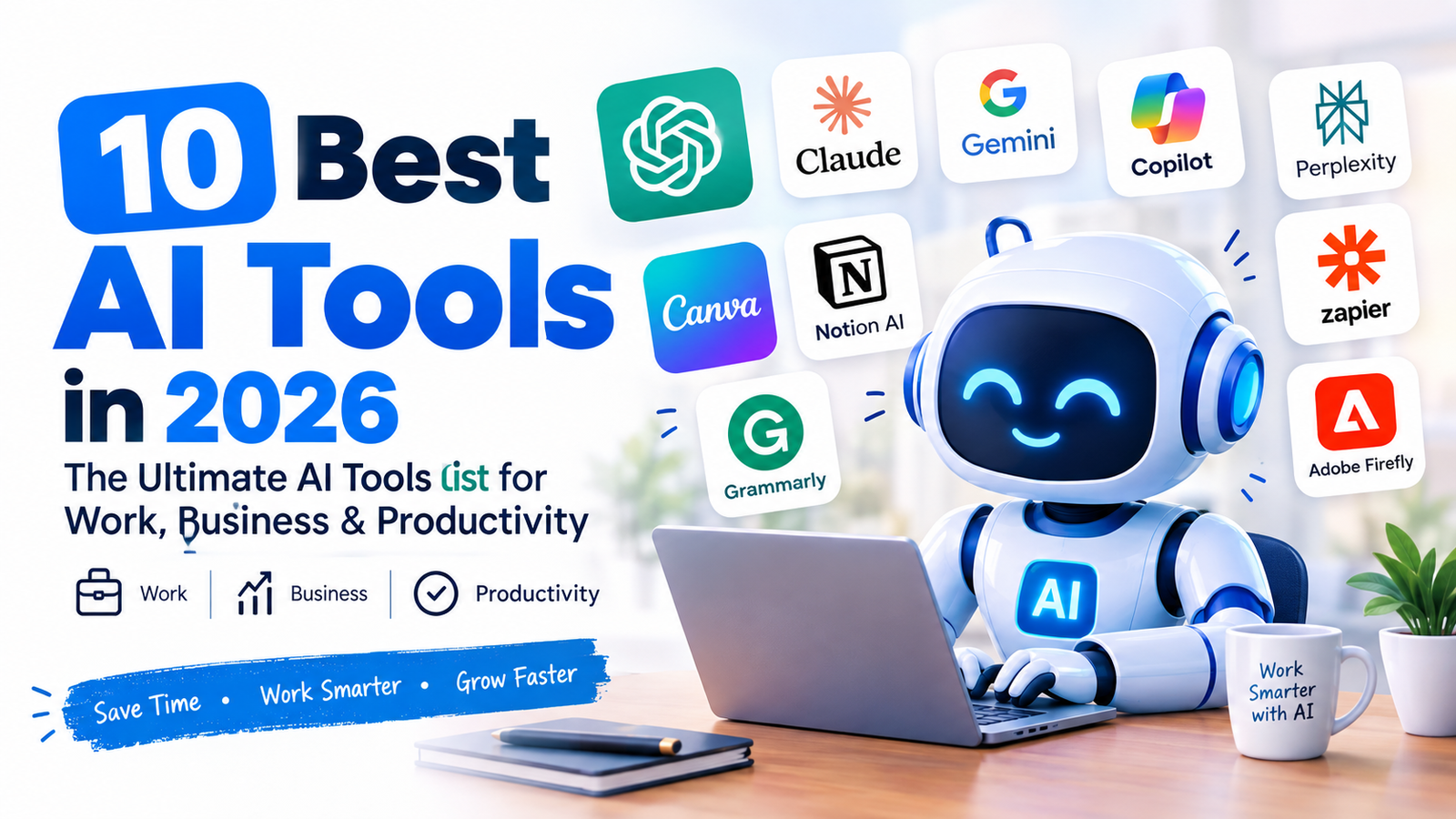
Artificial intelligence has become an important part of modern work and business. From writing and research to project management, design, automation, and customer support, AI tools can help individuals and businesses save time and complete repetitive tasks more efficiently.
In this guide, we explore the 10 Best AI Tools in 2026 for work, business, productivity, content creation, and everyday tasks. Whether you are a freelancer, entrepreneur, student, marketer, or business owner, these AI tools can help you work smarter.
Quick note: AI tools change quickly. Features, pricing, and availability may change over time, so always check the provider’s current website before subscribing.
Quick List: 10 Best AI Tools in 2026
| AI Tool | Best For | Main Use |
|---|---|---|
| ChatGPT | General AI assistance | Writing, research, brainstorming, coding |
| Claude | Long-form work | Writing, analysis, documents |
| Google Gemini | Google ecosystem | Research, writing, productivity |
| Microsoft Copilot | Office productivity | Word, Excel, PowerPoint, work tasks |
| Perplexity | AI research | Search and research |
| Canva | AI design | Graphics, presentations, social media |
| Notion AI | Productivity | Notes, documents, project management |
| Grammarly | Writing | Grammar, editing, rewriting |
| Zapier | Automation | Connecting apps and automating workflows |
| Adobe Firefly | Creative work | AI images and design |
1. ChatGPT – Best AI Tool for General Productivity
ChatGPT is one of the most widely used AI assistants for everyday work. It can help users write content, brainstorm ideas, summarize information, analyze text, create plans, explain complex topics, and assist with coding.
For businesses, ChatGPT can be useful for creating marketing ideas, drafting emails, preparing reports, generating content outlines, and supporting customer-service workflows.
What can you use ChatGPT for?
- Blog post ideas
- Content writing
- Email drafting
- Brainstorming
- Research assistance
- Coding and debugging
- Data analysis
- Business planning
- Summarizing documents
- Creating marketing copy
Best for: Individuals, freelancers, marketers, developers, students, and businesses.
2. Claude – Best AI Tool for Writing and Analysis
Claude is an AI assistant designed for tasks such as writing, analysis, brainstorming, and working with large amounts of information.
It can be particularly useful when you need help understanding documents, improving written content, analyzing information, or developing detailed ideas.
For professionals, Claude can assist with reports, proposals, documentation, research notes, and long-form writing.
Why consider Claude?
- Strong writing assistance
- Useful for document analysis
- Helpful for brainstorming
- Suitable for professional writing
- Can assist with coding and technical tasks
Best for: Writers, researchers, developers, consultants, and professionals.
3. Google Gemini – Best AI Tool for Google Users
Google Gemini is Google’s AI assistant and is designed to work across Google’s ecosystem and AI services.
It can help with writing, brainstorming, research, planning, summarization, and other productivity tasks. For people already using Google services, Gemini can be especially useful because of its connection with Google’s broader ecosystem.
Common uses for Gemini
- Writing and rewriting
- Brainstorming
- Research assistance
- Summarizing information
- Planning projects
- Generating ideas
- Productivity tasks
Best for: Google Workspace users, students, professionals, and businesses.
4. Microsoft Copilot – Best for Office Productivity
Microsoft Copilot brings AI assistance into Microsoft’s productivity ecosystem. Depending on the plan and available features, it can assist with tasks involving applications such as Word, Excel, PowerPoint, Outlook, and Teams.
This makes it particularly interesting for businesses that already rely heavily on Microsoft products.
How businesses can use Copilot
- Drafting documents
- Summarizing meetings
- Creating presentations
- Working with spreadsheets
- Drafting emails
- Organizing information
- Supporting workplace productivity
Best for: Businesses, employees, managers, and Microsoft 365 users.
5. Perplexity – Best AI Tool for Research
Perplexity is an AI-powered search and research platform designed to provide answers while pointing users toward sources.
Instead of manually opening many search results, users can use an AI research interface to explore a topic and follow relevant sources.
It can be useful for content research, market research, learning, competitor research, and finding information online.
What can you research with Perplexity?
- Industry trends
- Product research
- Business topics
- Technology
- Market information
- Academic topics
- Content ideas
Best for: Researchers, students, marketers, writers, and professionals.
6. Canva – Best AI Tool for Design
Canva is a popular online design platform that includes AI-powered features for creating and editing visual content.
You can use it to create social media graphics, presentations, marketing materials, thumbnails, posters, documents, and other visual assets.
Its AI features can help users generate ideas and speed up parts of the design process without requiring advanced graphic-design skills.
Canva is useful for:
- Social media posts
- YouTube thumbnails
- Presentations
- Marketing graphics
- Blog images
- Posters
- Business documents
- Brand materials
Best for: Content creators, marketers, small businesses, bloggers, and entrepreneurs.
7. Notion AI – Best for Productivity and Organization
Notion combines notes, documents, databases, project management, and collaboration in one workspace. Its AI capabilities can help users work with information inside their workspace.
For example, you can use AI to help summarize content, improve writing, generate ideas, and organize information.
Notion AI can help with:
- Meeting notes
- Project planning
- Documentation
- Content calendars
- Task organization
- Brainstorming
- Summaries
- Team knowledge management
Best for: Teams, entrepreneurs, project managers, students, and content creators.
8. Grammarly – Best AI Tool for Writing
Grammarly is designed to help users improve their writing. Its AI-powered features can assist with grammar, spelling, clarity, tone, rewriting, and other aspects of communication.
For professionals who send emails, write reports, create marketing content, or publish online, writing assistance can save time and reduce common mistakes.
Grammarly is useful for:
- Business emails
- Blog posts
- Reports
- Marketing copy
- Academic writing
- Social media content
- Professional communication
Best for: Writers, students, marketers, professionals, and businesses.
9. Zapier – Best AI Tool for Automation
Zapier focuses on connecting different applications and automating repetitive workflows.
Instead of manually transferring information between applications, businesses can create automated workflows that trigger actions based on specific events.
AI features can further assist with building and managing automation workflows.
Examples of automation
A business could create workflows that:
- Save new leads to a CRM
- Send notifications to a team
- Add form submissions to spreadsheets
- Organize incoming information
- Trigger follow-up emails
- Connect different business applications
Best for: Entrepreneurs, marketers, agencies, sales teams, and businesses.
10. Adobe Firefly – Best AI Tool for Creative Work
Adobe Firefly is Adobe’s family of generative AI tools for creative work. It can assist with creating and editing visual content using AI.
For designers, marketers, and content creators, generative AI can speed up certain creative tasks and help produce visual concepts more efficiently.
Adobe Firefly can be useful for:
- Image generation
- Creative concepts
- Image editing
- Marketing visuals
- Design experimentation
- Creative workflows
Best for: Designers, marketers, photographers, content creators, and creative professionals.
How to Choose the Best AI Tool in 2026
The 10 Best AI Tools in 2026 are not necessarily the same for everyone. The right tool depends on what you want to accomplish.
Before paying for an AI subscription, consider these factors:
1. Your main goal
Start by identifying the problem you want to solve.
If you need an AI assistant, consider general-purpose tools. If you need graphic design, look at AI design platforms. If your goal is automation, an automation platform may provide more value.
2. Features
Compare the features you actually need rather than choosing a tool simply because it is popular.
Look for features such as:
- Integrations
- File support
- Collaboration
- Automation
- AI generation
- Data analysis
- Export options
3. Pricing
Many AI platforms offer free plans or trials, while advanced features may require a paid subscription.
Always check the current pricing directly from the provider because AI pricing and plans can change.
4. Ease of use
An advanced AI tool is not necessarily useful if it takes too long to learn.
Choose a platform that fits your technical experience and workflow.
5. Privacy and security
If you are using AI for business, consider what information you are uploading and review the provider’s privacy and data-handling policies.
Avoid uploading sensitive business or personal information unless you understand how the service handles that data.
Are AI Tools Worth Using in 2026?
For many people, AI tools can reduce the time spent on repetitive tasks and help with research, writing, organization, design, and automation.
However, AI should generally be treated as an assistant rather than an automatic replacement for human judgment.
AI-generated information can contain mistakes, outdated information, or inaccurate assumptions. Important business, financial, legal, medical, or technical information should be independently verified.
Free vs. Paid AI Tools
One of the biggest questions when choosing an AI tool is whether you should use a free plan or pay for a subscription.
Free AI tools
Free plans are often useful for beginners who want to test a service before committing.
They may include limitations such as:
- Fewer daily uses
- Limited features
- Lower usage limits
- Fewer integrations
- Limited access to advanced models
Paid AI tools
Paid plans may provide additional features, higher usage limits, advanced models, or business-oriented capabilities.
For a professional or business, the right question is not simply “Is this AI tool expensive?”
Instead, ask:
“Does this tool save enough time or improve my workflow enough to justify the cost?”
Best AI Tools by Category
If you don’t want to test all ten tools, start with the category that matches your goal.
For general productivity: ChatGPT, Claude, or Gemini
For research: Perplexity
For Microsoft users: Microsoft Copilot
For design: Canva and Adobe Firefly
For writing: Grammarly, ChatGPT, or Claude
For project organization: Notion AI
For automation: Zapier
Final Thoughts
The AI landscape continues to evolve quickly, and new tools are introduced regularly. The 10 Best AI Tools in 2026 listed in this guide cover several important areas, including writing, research, design, productivity, business automation, and creative work.
You don’t need to use every AI tool available. Instead, identify the tasks that consume the most time in your work and choose tools that can make those tasks easier.
For individuals, freelancers, and small businesses, starting with one or two tools and learning how to use them effectively can be more practical than subscribing to many different AI platforms.
Which AI tool should you try first? Start with the tool that directly solves your biggest productivity problem, test its free or available plan, and evaluate whether it provides enough value before upgrading.
Frequently Asked Questions
What are the best AI tools in 2026?
Some widely useful AI platforms include ChatGPT, Claude, Google Gemini, Microsoft Copilot, Perplexity, Canva, Notion AI, Grammarly, Zapier, and Adobe Firefly. The best option depends on your specific needs.
What is the best AI tool for business?
There is no single AI tool that is best for every business. Businesses should compare tools based on their workflow, integrations, security requirements, budget, and the tasks they need to automate or improve.
What is the best free AI tool in 2026?
Several major AI platforms offer free access with varying limitations. The right choice depends on whether you need writing, research, design, automation, coding, or another specific capability.
Can AI tools help small businesses?
Yes. AI tools can assist small businesses with tasks such as content creation, customer communication, research, marketing, organization, design, and workflow automation.
Are AI tools replacing human workers?
AI can automate or assist with some tasks, but its impact varies by occupation and workflow. In many cases, AI is being used as a productivity tool that works alongside people rather than simply replacing an entire job.
